 Your local job search

Integrations > Occupop set up
Occupop
CV-Library's new integration with Occupop allows users to search over 22.4 million CVs in our award-winning database.
 Integrated with


Search CV-Library via Occupop
To find the best candidates for your jobs on CV-Library via Occupop, follow these simple instructions:
Log in to Occupop and go to Settings → Integrations then click on the 'CV-Library' tab. Once you have entered your CV-Library credentials you will see the following.

You can now use the 'My Jobs' tab to start advertising your vacancies on CV-Library. Just select 'New Job' from the top right-hand side.

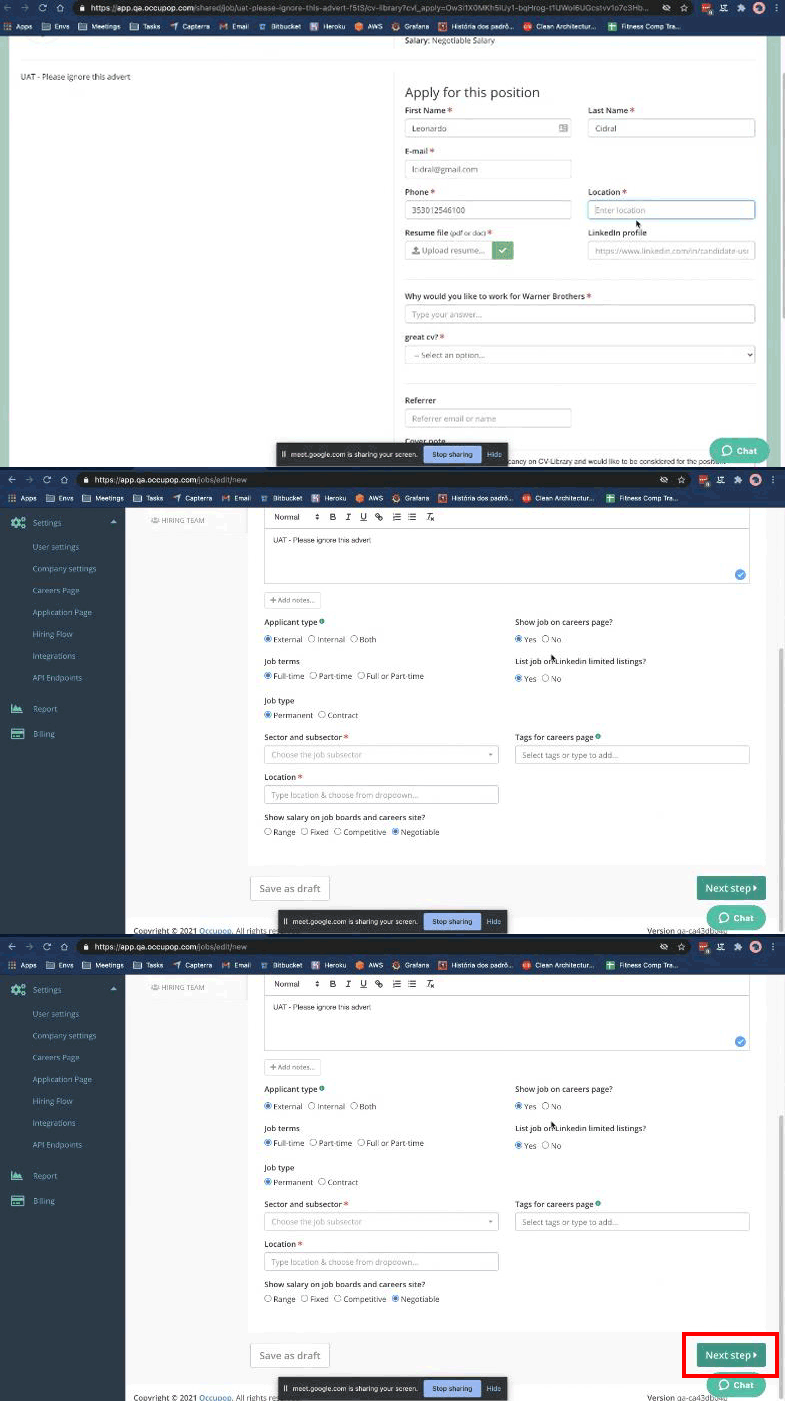
Enter the required information as normal, then click the 'Next Step' button.
Once complete, select CV-Library as a posting destination and click 'Next Step'. To check that the job has been posted successfully, check Notifications at the top right of the screen.

You're done!
If you experience any problems, please call our team on: 01252 810995