 Your local job search

Integrations > Workable set up
Workable
CV-Library is the UK’s largest independent CV Database. Our unrivalled network contains over 800 specialist job boards. You can now post jobs across the CV-Library Group, directly via Workable.
 Integrated with


Job posting guide
To start posting your jobs on CV-Library and across our extensive network of specialist job boards via Workable, follow these simple instructions:
Log in to Workable and select “Create a new job” on the Jobs Dashboard.
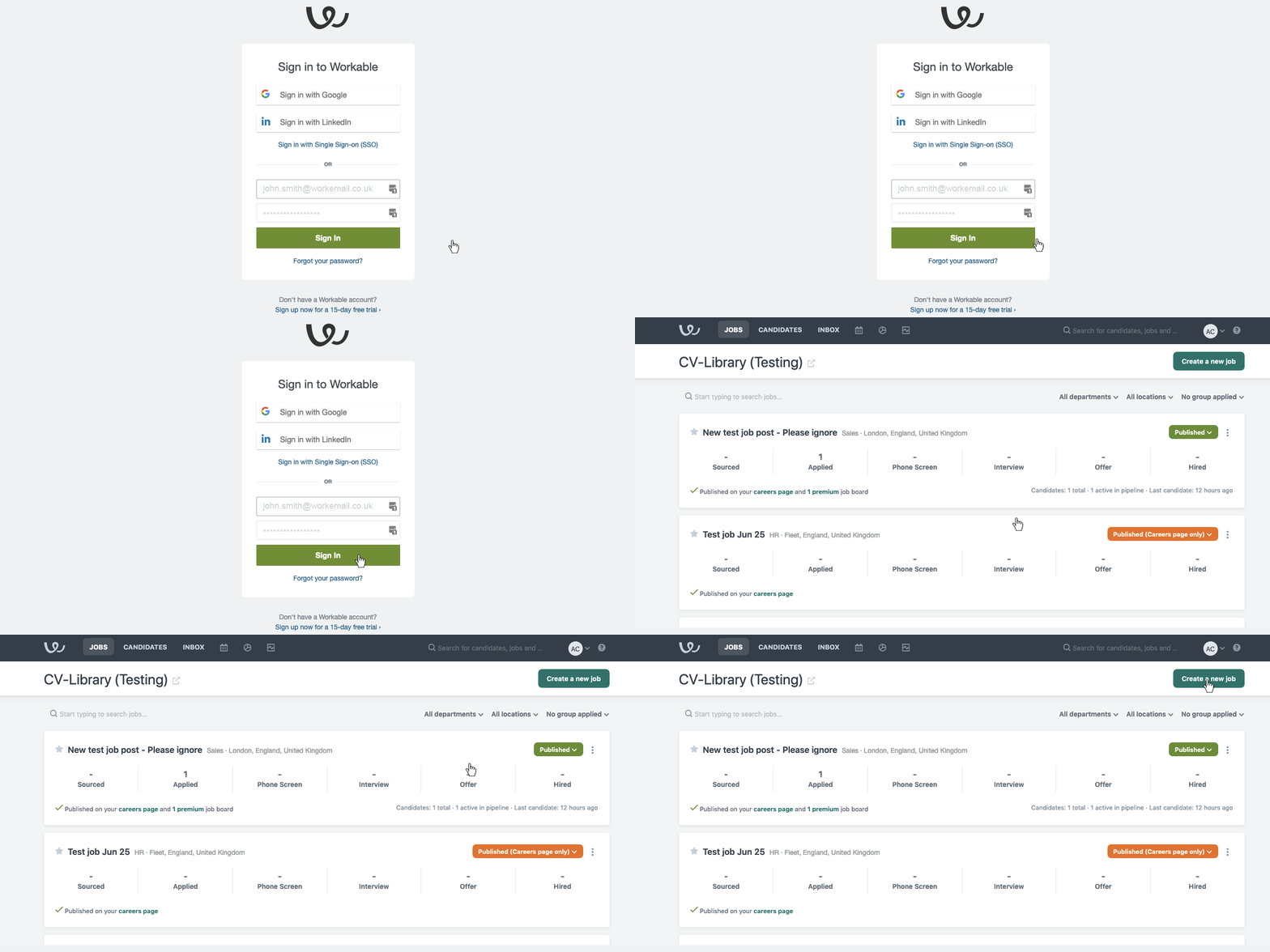
Add your job criteria to the form and press “Save and continue” to review your job.
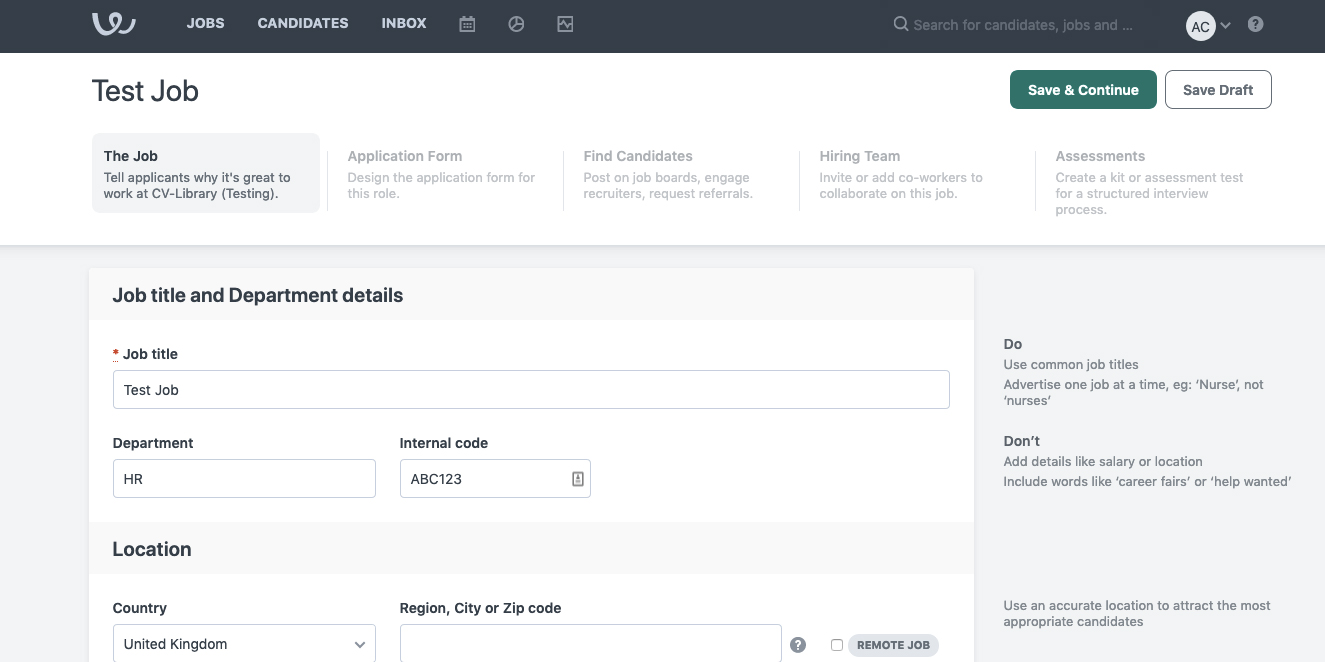
Once you’ve confirmed the details, press “Publish”. To add your job to CV-Library, select “Premium job boards” and select CV-Library from the list. To confirm, click “Proceed to checkout” and follow the instructions to complete your payment. Your purchase will then be confirmed.
Now you can sit back and watch the applications arrive! Our ATS Apply integration with Workable makes it even easier for candidates to apply to your jobs, increasing your application rates.

Already have an account
To connect to your recruiter account, log in to Workable and select “Integrations” from the user menu option and enter your CV-Library recruiter account credentials.

Then select “Create a new job” on the Jobs Dashboard

Add your job criteria to the form and press “Save and continue” to preview and review your job.
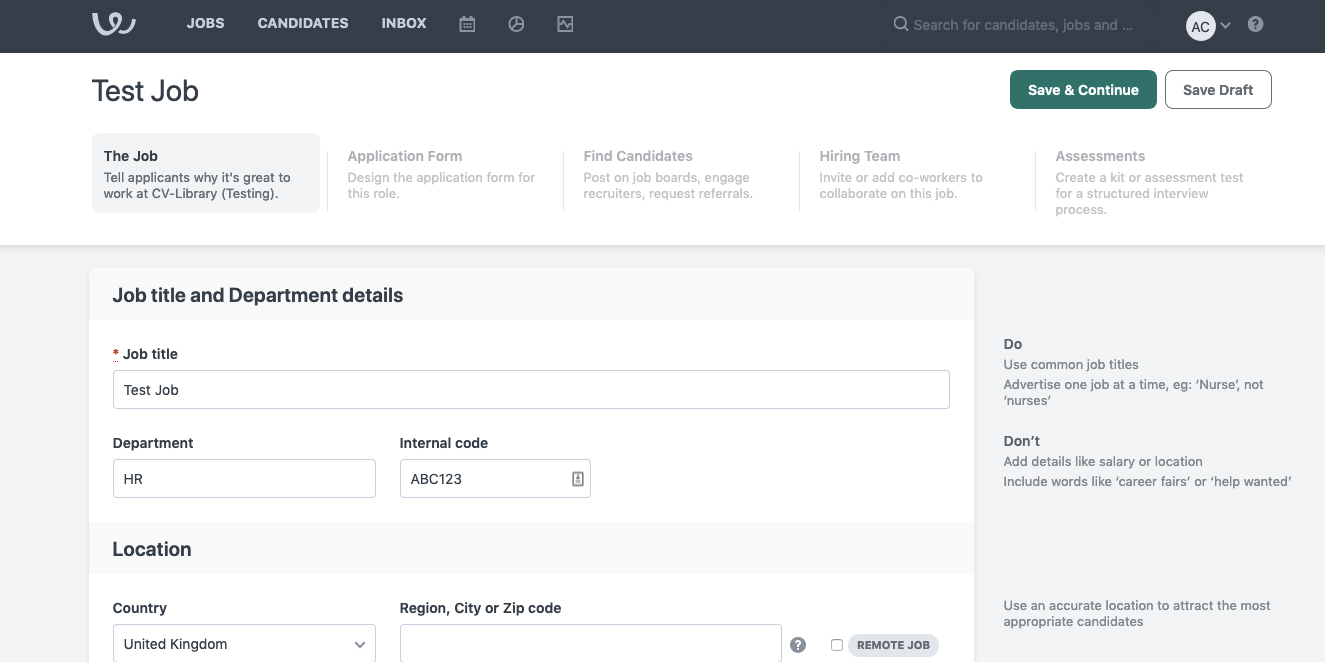
Once you have confirmed your job details are correct, press “Publish”. To add your job to CV-Library, select “Boost visibility”, select “CV-Library” and click “Use Recruiter account.” Your job will be shared to CV-Library and across relevant sites in our network instantly.
Now you can sit back and watch the applications arrive! Our ATS Apply integration with Workable makes it even easier for candidates to apply to your jobs, increasing your application rates.

You're done!
If you experience any problems, please call our team on: 01252 810995